Free Plan
$0 / forever
The easy way to run your business is almost here.
- 2 estimates per month
- 2 invoices per month
- Online payments
- Customer management

Create estimates, send invoices, accept payments and track income - whether you're in the field, in the shop, or on the go.
The easy way to run your business is almost here.
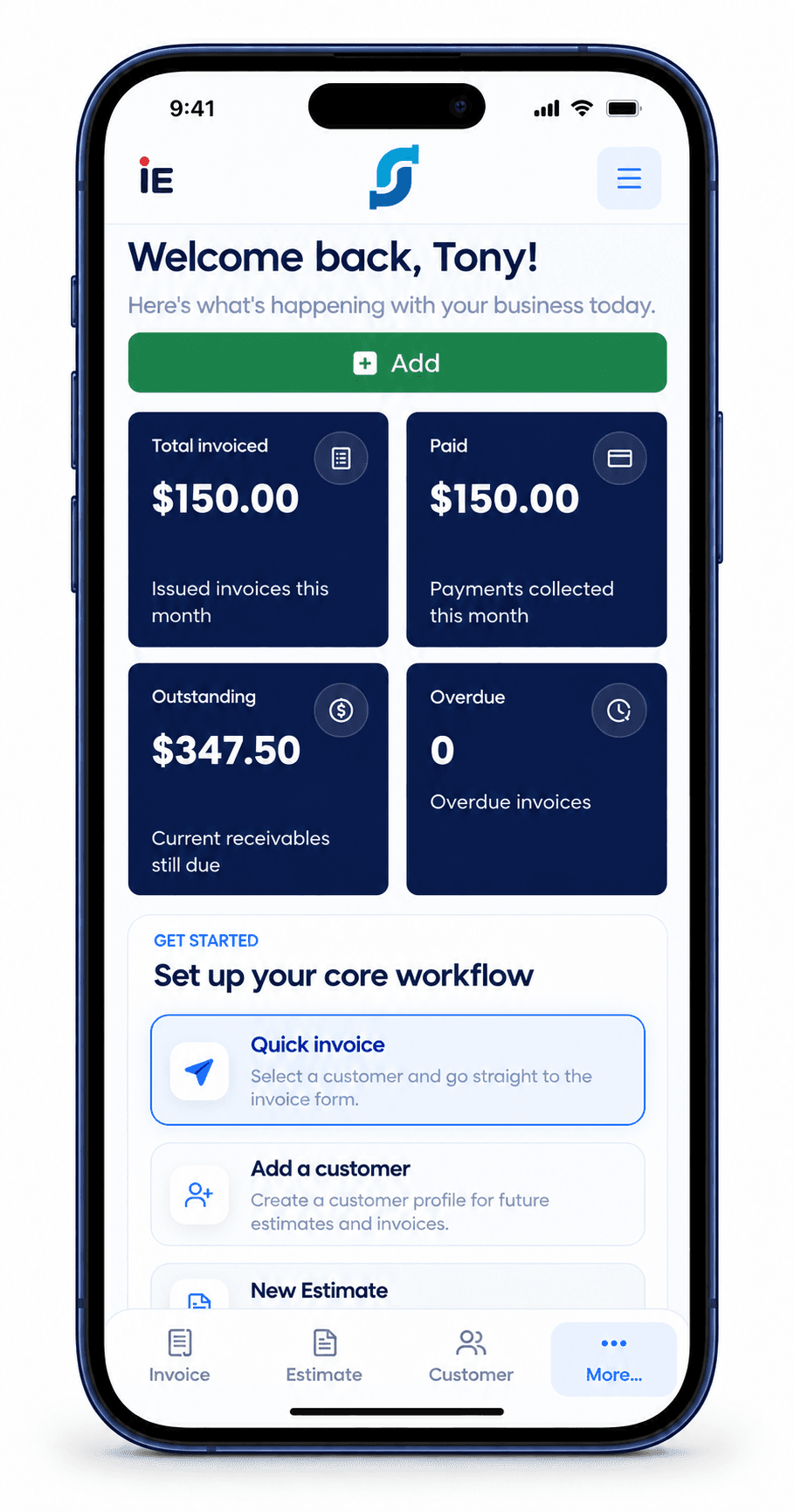
Keep the core work close together, so customer management, estimates, invoices, and payments never feel like separate jobs.
Take your business with you.
 Customer Management
 Estimates & Quotes
 Auto Invoices
 Collect Payment Online
 Tracking & Report
 Secure & Reliable
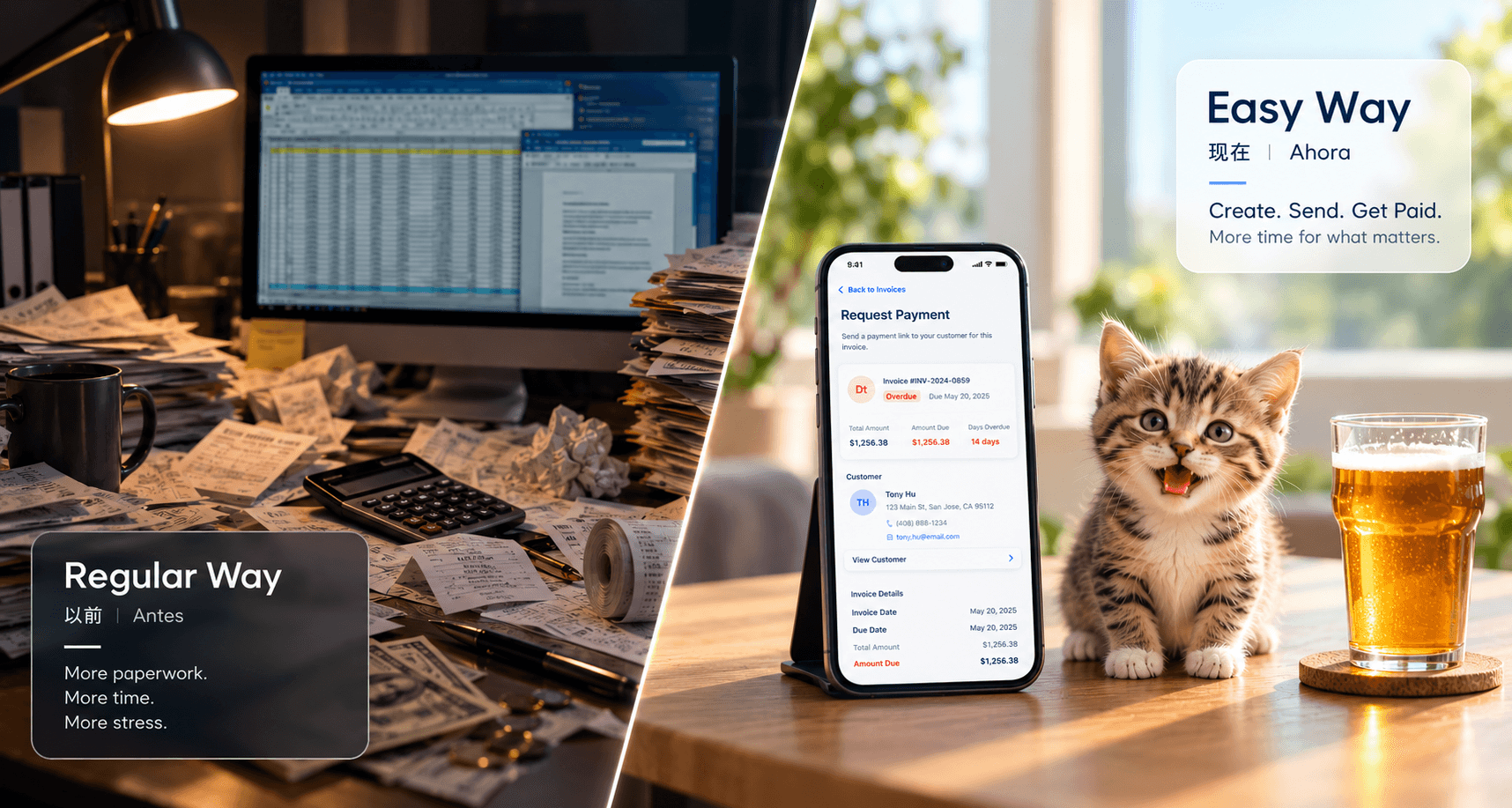
Public registration is not open yet. Existing customers can still sign in.
Free Plan
The easy way to run your business is almost here.
Pro Plan
For steady work and cleaner follow-up.
INDIE EASY is built for independent workers, solo contractors, freelancers, and small service businesses that need a simple way to create estimates, send invoices, manage customers, and get paid.
Yes. INDIE EASY is designed for mobile-first work, so you can manage your business from the office, at home, or at the job site.
The homepage shows current availability: join the waiting list before launch, or create an account when public registration opens. Existing customers can sign in.
Yes. The Free Plan lets you create 2 estimates and 2 invoices per month, manage customers, and accept online payments.
Yes. You can cancel your Pro Plan at any time. Cancellations are handled according to our Refund & Cancellation Policy.
Yes. INDIE EASY supports online payments so customers can pay invoices more easily.
INDIE EASY does not add hidden per-payment fees. Standard payment processing fees charged by the payment provider may apply.
Yes. You can see whether an invoice is paid, unpaid, or overdue, so it is easier to follow up with customers.
No customer list yet? Export All Contacts and select only your customers in INDIE EASY. This is an illustrative demo with fictional contacts; menus may vary by iOS version.
Download the videoThis illustrative demo uses Google Contacts and fictional contacts. Menus may vary by phone brand and app version. You can choose which customers to import and review duplicates in INDIE EASY.
Download the video